


15 Things to Check Before Buying a Second-Hand Phone
A field checklist for used phone buyers: model variants, IMEI, repair history, bootloader status, and the handover steps that decide whether you get burned.
Read More


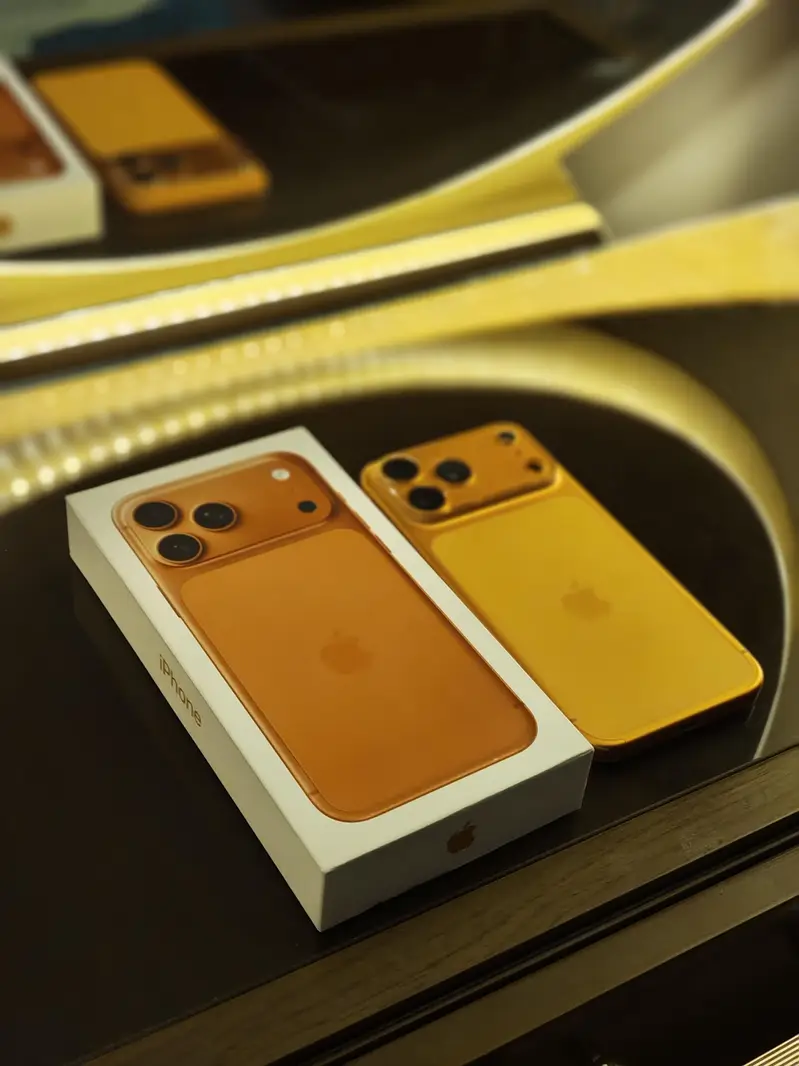
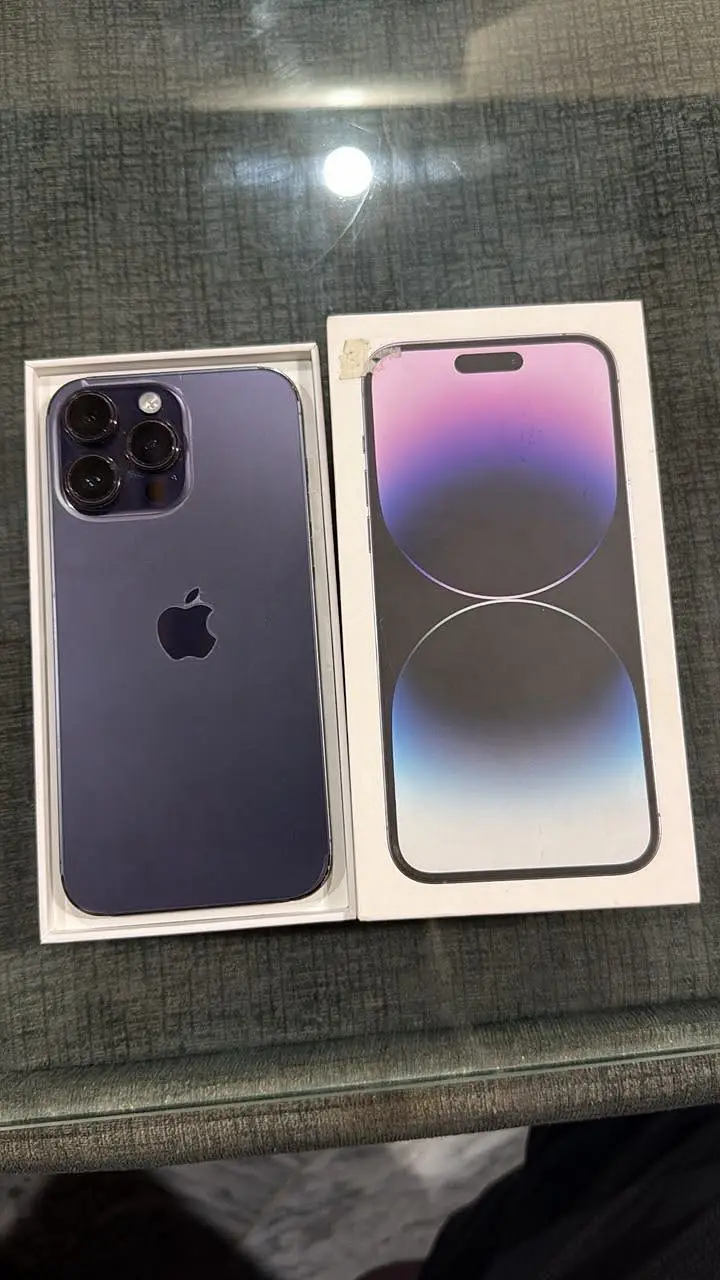
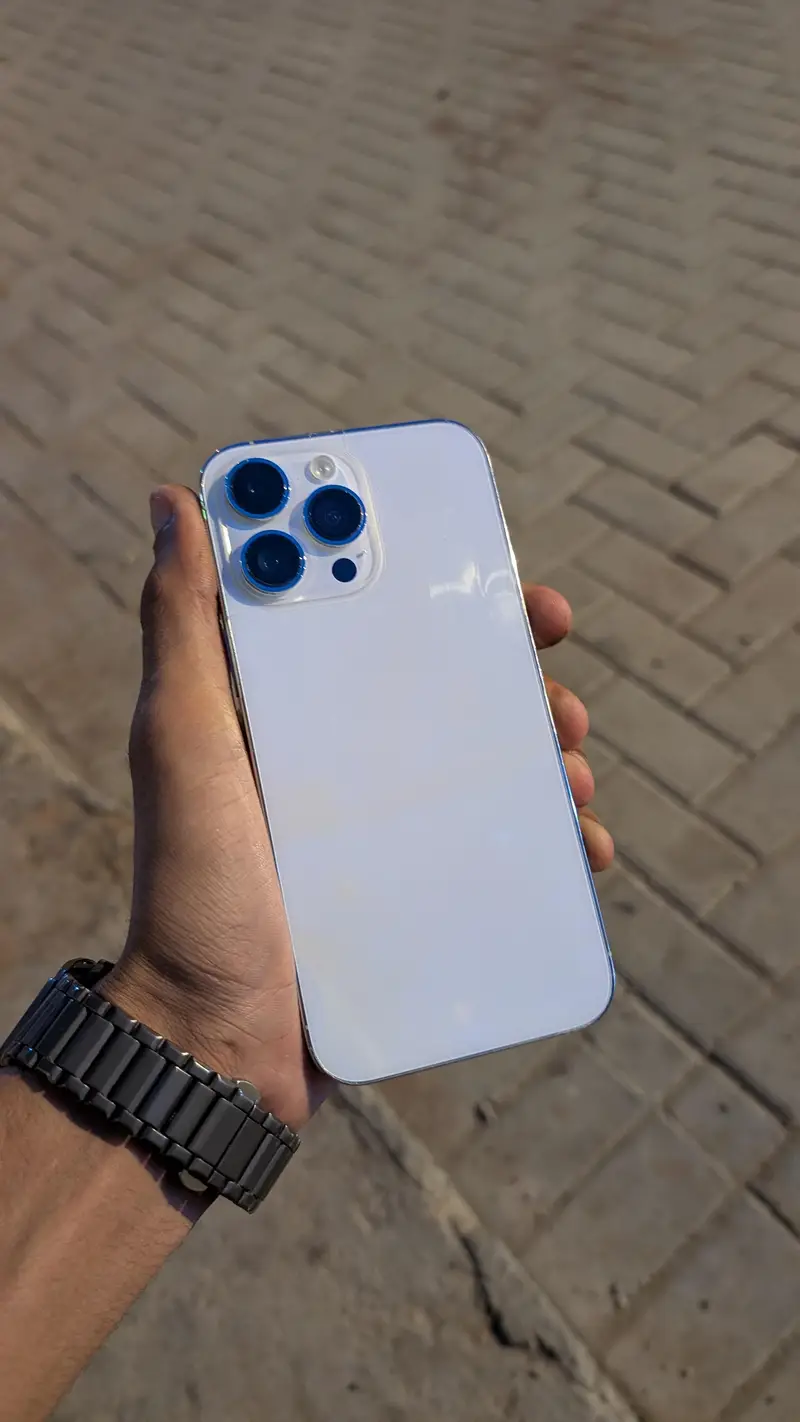
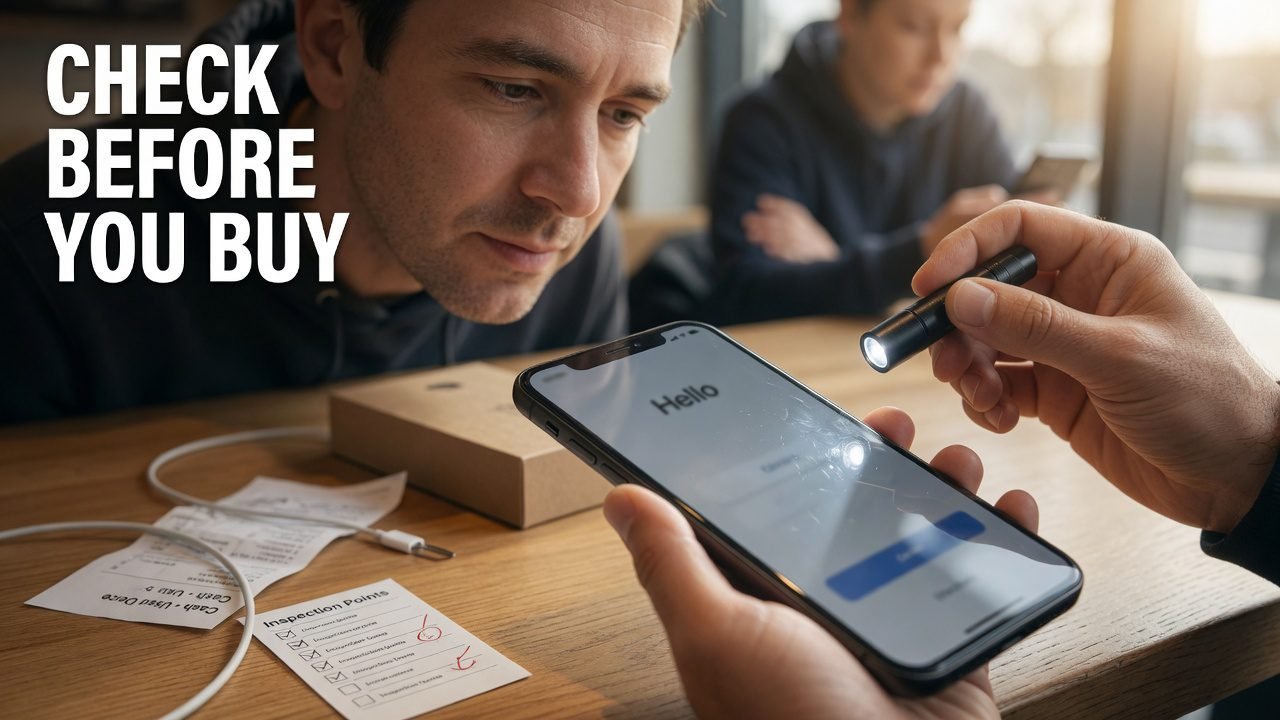
A seller once uploaded a Galaxy S22 listing to ExploreFrag with four photos, all shot at the same slight angle, all with the screen off. The description said “no issues, barely used.” Ask any seller for one extra photo — screen on, showing a plain white background — and you learn a lot fast. That one came back with a faint grey band across the top third of the panel. Burn-in.
The phone still worked. It was still worth buying at the right price. But it wasn’t the price on the listing.
Buying used is mostly a matter of knowing which five minutes of checking replaces an hour of regret.
Most people shop by model. That’s backwards. Shop by how many years of software updates the phone has left, then let the model fall out of that.
A phone that stops getting security patches isn’t bricked — it just quietly becomes a worse place to keep your bank app. Google now commits to seven years of OS and security updates for the Pixel 8 and later. Samsung matches that on the Galaxy S24 and newer. Apple has never published a formal window, but in practice iPhones have kept receiving major iOS releases for roughly five to six years before dropping off; the iPhone XR and XS generation, for example, went as far as iOS 18 and then stopped.
So the maths is simple. Launch year plus support window, minus the current year, equals what you’re actually buying. A three-year-old Pixel 8 with four years of updates left is a better purchase than a one-year-old budget phone from a brand that promises two.
The second thing worth knowing: depreciation isn’t smooth. Prices sag through the first year, then drop hard in the weeks after the next model in the line is announced. If you can wait for that announcement window, the same phone in the same condition gets noticeably cheaper without anything about it changing.
Here’s the thing about buying at the very bottom of the curve, though — five-year-old flagships get cheap for a reason. Battery replacement costs the same regardless of what you paid for the phone, and on some older models, replacement parts have started getting scarce. A dirt-cheap phone that needs an eighty-dollar battery isn’t dirt cheap.
Listings leak information. Sellers who have nothing to hide tend to over-share: box, receipt, IMEI partially masked, screenshots of battery health, a photo of the screen actually on.
Patterns worth pausing on:
Message the seller with two specific questions rather than one general one. Specific questions are harder to answer with a shrug, and the quality of the reply tells you what kind of transaction this is going to be.
Every phone has a fifteen-digit IMEI. Dial *#06# on the keypad and it appears immediately — no unlocking required on most phones, which matters if you’re standing in a café with a device you haven’t paid for yet.
Then cross-check it in three places:
A blacklisted phone will connect to Wi-Fi perfectly and sit on your desk looking like a functioning phone. It just won’t ever register on a mobile network. Sellers know this, which is why “it works fine, I’ve been using it on Wi-Fi” is a sentence that deserves a follow-up question.
While you’re in Settings on an iPhone, check General > About > Carrier Lock. If it says there are no SIM restrictions, it’s unlocked. On Android it’s less consistent, so the reliable move is to put your own SIM in during the meetup and watch it register.
More on this in our walkthrough on checking IMEI before buying a used phone.
On iPhone, go to Settings > Battery > Battery Health & Charging. You’ll see Maximum Capacity as a percentage and a Peak Performance Capability note. Apple’s own framing is that a battery is considered consumed once it falls under 80% — their battery and performance documentation covers what happens to performance past that point.
Android is messier. Pixel 8 and later expose cycle count and manufacture date under Settings > About phone > Battery information. Samsung buries a real diagnostic inside the Samsung Members app, under the interactive checks section, which will report battery status along with a set of hardware tests. On other brands you may get nothing native at all, in which case cycle count via a third-party reader is a rough proxy, not a verdict.
Now the part most guides skip.
A used iPhone showing 100% battery health is not automatically good news. If the phone is two years old and has visibly been used, 100% usually means the battery was replaced. That’s fine when it’s a genuine replacement — arguably better than fine. But aftermarket cells fitted with rewritten controller chips can report a flat 100% permanently, because the number being displayed isn’t a measurement, it’s a value the aftermarket board was told to send. A phone that has read exactly 100% for eight months while being used daily is telling you something about its battery, just not the thing it appears to be telling you.
The tell is usually elsewhere: an iPhone with a non-genuine battery will typically show a service or unknown-part message rather than the normal health readout, and that message is the honest signal. If the health screen looks unusually clean but the phone is old, ask when the battery was changed and by whom.
We go deeper on this in what iPhone battery health percentages actually mean.
This one is close to free and rules out a whole category of bad purchases.
On iPhone, open Settings > General > About and scroll down. On models from roughly the iPhone XR and XS generation onward, running a recent iOS version, you’ll find a Parts and Service History entry listing components that have been replaced — battery, display, camera — and whether each was a genuine Apple part fitted with the proper calibration. If a phone has had a third-party display fitted, this is where it says so.
Supporting signals on iPhone when a screen has been swapped for a non-genuine one:
Face ID is the expensive one. The dot projector is paired to the logic board, and a botched screen repair frequently kills it permanently. A phone with dead Face ID isn’t worthless, but it is a phone you should price like a phone with dead Face ID.
Android doesn’t offer an equivalent history log on most brands, so you’re back to physical evidence: mismatched panel colour temperature against the bezel, gaps where the display meets the frame, screws with chewed heads, adhesive squeeze-out along the edges. Run a fingernail gently around the seam. Factory assembly is tight. Kitchen-table reassembly usually isn’t.
| What you’re checking | Where to find it | What should make you pause |
|---|---|---|
| IMEI authenticity | *#06#, Settings, SIM tray | Any mismatch between the three |
| Blacklist status | Carrier or CTIA lookup | Flagged as lost/stolen, or unlisted with a nervous seller |
| Battery condition | iOS: Battery Health; Pixel: Battery information; Samsung: Members app | 100% on an old, visibly used phone with no replacement story |
| Repair history | iOS: Settings > General > About | Non-genuine display or battery listed |
| Screen integrity | White background, then black, full brightness | Grey shadows, colour blotches, stuck pixels |
| Water exposure | Liquid contact indicator in the SIM tray | Pink or red instead of white/silver |
| Account locks | Settings > your name (iOS); Settings > Accounts (Android) | Seller’s account still signed in at handover |
Do these in sequence. It takes about six minutes and it’s the part where you find things.
*#0*#. A hidden service menu opens with individual tests — red/green/blue screens, a touch grid to trace with your finger, speaker, receiver, vibration, and sensors. It’s the fastest hardware audit available on any phone.Skip step 11 and you’ll find out at home that the under-display sensor reads about one finger in three.
This is where deals go wrong quietly.
On iPhone: the seller has to sign out of iCloud and erase the phone. Activation Lock is tied to their Apple Account, and a phone that has been reset while still linked will boot into a screen asking for their credentials. Apple retired the public activation-lock status page years ago, so there’s no way for you to check this from the outside — the only reliable method is watching the erase happen and then setting the phone up yourself before you hand over money. If a seller resists that, the deal is over.
On Android: Factory Reset Protection works the same way. The Google account has to be removed from the phone before the factory reset, not after. Sellers get this order wrong constantly, and it’s often genuine confusion rather than fraud — but the result is identical, and it’s your problem once you’ve paid.
If the phone uses eSIM: confirm the seller has removed their eSIM profile, and check that your own carrier will issue a new profile for that device. Transferring eSIM between phones is straightforward on some networks and a phone call on others.
Set the phone up to the home screen at the meetup. Not “I’ll do it at home.” At the home screen, on your account, with your SIM registered — that’s when you pay.
Not everything on a used marketplace ages the same way, and pretending otherwise does buyers no favours.
Worth buying used, comfortably: cases, wired earphones, screen protectors still sealed, docks, stands, wired chargers and cables from known brands. There’s no consumable inside them. A two-year-old Anker cable is a two-year-old cable.
Buy carefully: wireless charging pads (test on the spot), and camera accessories like gimbals where the battery is replaceable.
I’d generally skip: used power banks and used true-wireless earbuds. Both are batteries in a shell. A power bank that has been cycled a few hundred times holds meaningfully less than its printed capacity, and a swollen cell is a genuine hazard rather than a cosmetic issue — if the casing has any bulge or the seams have opened at all, walk away. True-wireless earbuds have tiny non-replaceable cells that lose runtime faster than phone batteries do, plus a hygiene question nobody enjoys discussing. If you want them used, buy them at a price that assumes the batteries are near the end.
One check for any used charger: look for a recognisable brand and proper certification marks on the label. Uncertified high-wattage chargers are the one accessory category where a bad purchase can damage the phone you just bought.
Our breakdown of refurbished versus used phones covers where warranties fit into all of this.
Anchor your price on completed sales rather than active listings. Anyone can ask anything; what matters is what people paid.
Then adjust down for what you found. Every item on the inspection list has a rough cost attached — screen replacement, battery replacement, port repair — and a fair negotiation is just that number, subtracted, said out loud. Sellers respond much better to “the battery’s at 82%, a replacement runs about X, so I’m at Y” than to a vague lowball.
Meet in daylight, somewhere with people and power outlets. Many police departments run designated exchange zones in their parking lots, usually under camera coverage, and any seller who objects to meeting there has told you something useful.
Pay in a way that leaves a record. Cash is fine when you’ve completed every check and you’re standing in front of a working phone on your own account. What isn’t fine: irreversible transfers sent before you’ve seen the device, gift-card payments, or any arrangement where the seller needs the money first “to release it.”
Is it safe to buy a used phone from a private seller?
Yes, provided you verify the IMEI, watch the seller erase and sign out, and complete setup on your own account before paying. Most problems in peer-to-peer sales come from skipping the handover steps rather than from outright fraud. The transactions that go badly almost always share one feature: money moved before the phone was verified.
What battery health is acceptable in a used phone?
Above 85% is comfortable, 80-85% is fine if the price accounts for a replacement, and under 80% means you’re buying a phone plus a repair bill. Factor the local cost of a battery service into your offer rather than treating it as a dealbreaker — on many models it’s a modest amount, and a fresh battery on a well-kept phone is a good outcome.
How can I tell if a used iPhone has been repaired?
Settings > General > About, then look for the Parts and Service History section, which lists replaced components and flags non-genuine parts. Cross-check by confirming that True Tone is available and Face ID enrolls a new face successfully.
Does ExploreFrag check the phones listed on it?
ExploreFrag is a marketplace connecting buyers and sellers directly, so listings are created by the people selling them. Run the IMEI and inspection checks yourself on every purchase.
Should I buy a used phone with a cracked back glass?
Often yes, if the price reflects it — back glass is cosmetic on most models and cheap to live with. The exception is any crack sitting over a camera lens or over the wireless charging coil area, where the damage stops being cosmetic.
Refurbished or used — which should I pick?
Refurbished usually means tested, repaired where needed, and sold with some warranty, at a higher price. Used means as-is at a lower price. If you’ll run the checks in this guide, used is generally the better value; if you won’t, pay for the warranty.
Pick one phone you’re curious about, look up its launch year, add its support window, and see how many years are actually left. That number will reshape your shortlist faster than any spec comparison.
When you’ve got a model in mind, browse current phone listings on ExploreFrag and message a couple of sellers with the two specific questions from earlier. You’ll know within a few replies which one is worth meeting.
Emran Ahmed is the founder and CEO of ExploreFrag, a marketplace for buying and selling used phones and accessories across every brand. He spends most of his week reviewing listings, which means he has read more descriptions of “minor scratches, barely visible” than anyone should. He started ExploreFrag after watching too many straightforward private sales fall apart over Activation Lock, unclear condition grading, and payments sent before anyone had seen the device. He still tests every phone he buys with the grey-screen trick before handing over money.


