
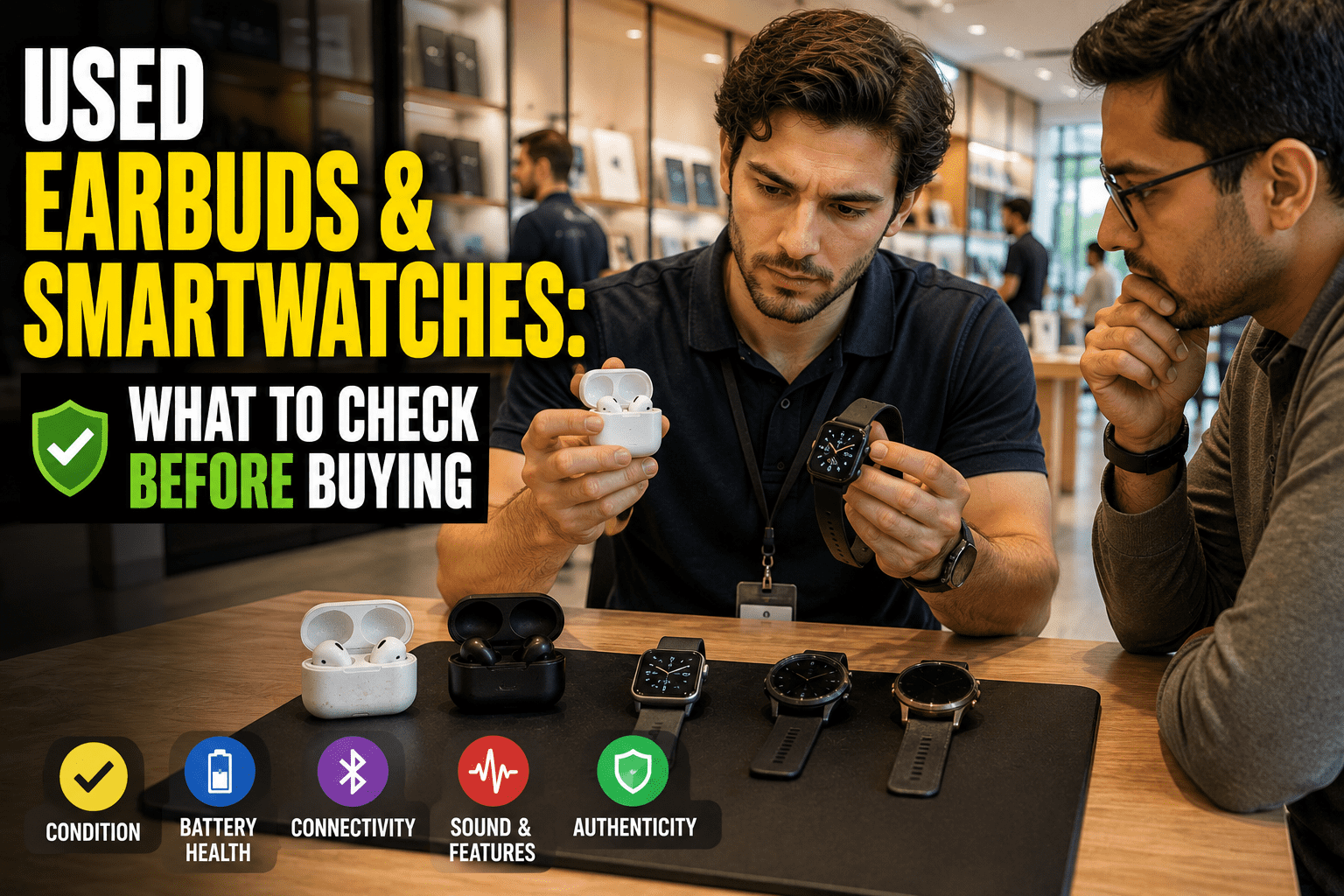
A smartwatch, bought cheaply, in excellent condition, from a seller who was polite and prompt and had no idea what he’d done wrong.
He’d factory reset the watch instead of unpairing it from his phone. Those sound like the same action and aren’t. The watch stayed locked to his account, and the buyer had bought a very well-made bracelet.
Wearables carry all the account-lock problems phones have, plus a battery problem that’s worse, plus a counterfeit problem that’s worse still. They’re still often worth buying used. You just need a different checklist.
Account locks come first
Before condition, before battery, before anything.
Smartwatches paired to a phone ecosystem carry activation locks tied to the owner’s account, exactly like phones do. The correct process for the seller is to unpair the watch from the phone it’s paired with, which erases it and releases the lock. A factory reset performed on the watch itself does not do this, and the result is a device that cannot be set up by anyone else.
There is no workaround. Not through support, not through a repair shop, not by resetting again. The previous owner has to remove it from their account.
Wear OS and Android-based watches work similarly through the associated Google or manufacturer account, and the same principle applies: removal happens from the account side, not by wiping the device.
Earbuds are lower-risk but not zero. Some models are registered to an owner’s account and support device-finding features, which means an unremoved pair can behave oddly or report to someone else’s account. Ask the seller to remove them from their account and unpair them properly.
What to insist on: the seller performs the unpair in front of you, and you complete setup on your own account before paying. That’s the same rule as phones, for the same reason — it’s the only check that can’t be faked and the only failure that can’t be fixed afterwards.
The battery problem, which is worse than on phones
Wearable cells are tiny, work hard, and cannot be replaced in any practical sense.
Earbuds. Each bud holds a cell measured in a handful of milliamp-hours. After a few hundred cycles — which heavy users reach within a year — runtime falls noticeably. A three-year-old pair may run for a fraction of its original time, and there is no service that fixes this economically.
Test both buds independently. The classic failure pattern is one bud dying well before the other, because the pair aren’t used equally. Play something with one bud in the case and one in your ear, then swap. If one clearly outlasts the other, you’re buying a pair with a countdown on it.
Test the case too. Cases hold their own cell, and a case that no longer charges the buds fully makes the buds themselves irrelevant.
Smartwatches. Better, because the cells are larger, but the same direction of travel. Apple Watch exposes battery health directly in its settings under battery, with a maximum capacity percentage that reads the same way an iPhone’s does. Several Android watches expose something similar; many don’t.
A watch below about 80% health needs charging more than once a day for most people, which changes it from a device you wear to a device you manage.
Counterfeits, particularly in earbuds
This is the accessory category with the highest proportion of convincing fakes, and popular models are copied extensively.
Check the serial number with the manufacturer. Most major brands offer a lookup that confirms the product exists and reports its warranty state. This is the strongest single check and takes under a minute.
Check pairing behaviour. Genuine earbuds from major ecosystems trigger a specific on-screen pairing animation or prompt when the case is opened near a compatible phone. Counterfeits either don’t, or produce a crude imitation that behaves inconsistently.
Check the app. Genuine units appear properly in the manufacturer’s companion app or settings panel, with firmware version, individual battery levels for each bud and the case, and working feature toggles. Fakes typically fail here, or report implausible values.
Weight and finish. Counterfeits are usually lighter, with slightly softer edges and a case hinge that feels loose rather than damped.
Sound and noise cancellation. Test noise cancellation on both sides in a moderately noisy place. Fakes frequently have a toggle that does nothing measurable.
The physical checks
Earbuds:
- Case hinge, which should be firm rather than floppy
- Charging contacts inside the case — corrosion or discolouration means moisture has been in there
- Speaker mesh condition on each bud
- Whether the buds seat and charge properly in the case, which you can confirm from the battery readout
- Ear tips, which you should plan to replace regardless
Smartwatches:
- Screen at an angle under light, for scratches and any cracking at the edges
- Crown and buttons, pressed and rotated several times
- Haptic feedback
- Heart rate and other sensors on the underside — that they’re intact and that a reading actually completes
- The charging puck, which is model-specific and worth confirming is included
- Band attachment points, since a worn lug is a real problem while a worn band is a cheap fix
Cellular models need one extra step
Watches with their own cellular connection carry an eSIM tied to a plan.
Confirm the previous owner has removed their plan, and check with your carrier that they’ll provision a new one for that model. Some carriers handle watch plans smoothly; others require a call, and a few tie watch service to specific phone plans.
A cellular watch you can’t activate is still a functional watch over Bluetooth and Wi-Fi. It just isn’t the device you thought you were buying, so know before you pay.
| Check | Oordopjes | Smartwatch |
|---|---|---|
| Account removal | Unpaired and removed from account | Unpaired from phone, not just reset |
| Battery | Test each bud independently, plus case | Battery health screen, if available |
| Authenticity | Serial lookup, app behaviour, pairing prompt | Serial lookup, app pairing |
| Physical | Hinge, contacts, mesh | Screen, crown, sensors, lugs |
| Consumables | New ear tips | Band, if worn |
| Extras | Charging case included | Correct charging puck included |
| Connectivity | Both buds pair and stay paired | eSIM released, if cellular |
Software support applies to wearables too
Less discussed than phone support windows and equally real.
Smartwatches age out of updates in the same way phones do, and the windows are frequently shorter. A watch that no longer receives updates gradually loses compatibility with the phone it pairs to, since the phone keeps moving forward. Eventually a major phone OS update drops support for older watch pairings entirely.
Before buying a used watch, check what the manufacturer says about supported models and how long the one you’re considering has been on the market. A watch three or four generations back may be a bargain or may be a device that stops pairing properly after your next phone update.
Earbuds are more forgiving, since they’re largely Bluetooth devices with firmware rather than full operating systems. They keep working. They just stop receiving feature additions, which most people never notice.
What comes in the box matters more here
With phones, missing accessories cost you a little. With wearables, they can cost you a lot.
Charging pucks and cables are frequently model-specific. A watch without its charger is a watch you can’t use until you source the right one, and for older or less common models that isn’t always straightforward or cheap.
Earbud cases are the charger. Buying loose buds without the case is buying something you can’t charge. Occasionally sellers list them separately after losing one part — check carefully what’s actually included.
Bands and tips are cheap, so don’t overpay for a worn one and don’t reject a good deal because the band looks tired.
Ask specifically what’s included rather than assuming, and check listing photos show the charger rather than just the device.
What these are actually worth used
Honest framing, since the discounts can look tempting.
Earbuds should be substantially cheaper than new, because you’re buying a consumable at an unknown point in its life. If a used pair is close to the price of a new pair on discount, buy new.
Smartwatches hold up better and are frequently good value used, particularly a generation or two back where the hardware differences are modest and the discount is large. Check the software support situation the same way you would for a phone — wearables age out of updates too.
Both are worth less if the original packaging and charger are missing, for the same reason phones are: it signals less about condition and more about how the item was kept.
Selling wearables: the mirror image
Briefly, since most of this article assumes you’re buying.
If you’re selling a smartwatch, unpair it from your phone rather than resetting the watch. The unpair backs up your data, erases the device, and releases the account lock in one action. Doing it the other way round produces exactly the situation described at the top of this article, and it will come back to you as a message from an unhappy buyer.
For earbuds, remove them from your account and unpair them from every device you’ve connected them to.
Then include everything: the case, the charger, the original box if you have it, and any spare tips. Wearables are a category where a missing charger materially reduces what a buyer will pay, because sourcing a model-specific puck is a chore they’d rather not inherit.
And be honest about battery life. “Runs about four hours now, was six when new” is a sentence that sells, because it tells a buyer you’ve actually paid attention and gives them something to price against.
Veelvoorkomende fouten om te vermijden
- Accepting a factory reset instead of a proper unpair. The single most common way a smartwatch purchase goes wrong.
- Testing only one earbud. They degrade unequally, and the weak one decides your experience.
- Skipping the serial check on earbuds. The most-counterfeited accessory category there is.
- Forgetting the charging puck. Model-specific and irritating to source separately.
- Buying cellular models without checking carrier support. The feature you paid extra for may not activate.
- Paying near-new prices for used earbuds. You’re buying a partially consumed battery.
- Ignoring corrosion on case contacts. Moisture has been in there and the damage continues.
Veelgestelde vragen
Can a used smartwatch be unlocked if the seller didn’t unpair it?
Only by the previous owner removing it from their account. No repair shop or support channel can bypass it, which is why the unpair has to happen before money changes hands.
How long do earbud batteries last?
Runtime declines noticeably within a couple of years of regular use, and the cells aren’t practically replaceable. Assume a used pair has meaningfully less endurance than a new one.
How do I know if used earbuds are genuine?
Run the serial number through the manufacturer’s lookup, check that they appear correctly in the companion app with individual battery readouts, and confirm the pairing behaviour matches genuine units.
Should I replace the ear tips on used earbuds?
Yes, always. They’re inexpensive, and it’s the obvious hygiene step.
Is battery health shown on smartwatches?
On Apple Watch, yes, in the battery section of settings. Several Android watches expose something comparable, though many don’t, in which case you’re judging by how long a charge lasts in practice.
Are used smartwatches a better buy than used earbuds?
Generally yes. Larger batteries, longer useful life, and a smaller counterfeit problem — provided the account lock has been handled properly.
Whatever else you check, make the unpair the first thing you agree to and the first thing you watch happen. Everything else on this page is a price conversation; that one is the difference between a working device and a decoration.
Shopping now? See what’s listed on ExploreFrag, and our guide to which accessories are worth buying used covers where wearables sit among the rest.
About the author
Emran Ahmed is the founder and CEO of ExploreFrag, a marketplace for buying and selling used phones and accessories across every brand. The unpair-versus-reset confusion generates more wearable complaints than every other issue combined, and almost always from sellers who were trying to do the right thing. He now asks about it before he asks about condition.