


How to Buy a Used Mobile Phone Without Getting Burned
Check IMEI, battery health, and repair history before you pay. A used phone buying guide built from real listings, real sellers, and real mistakes.
Read More


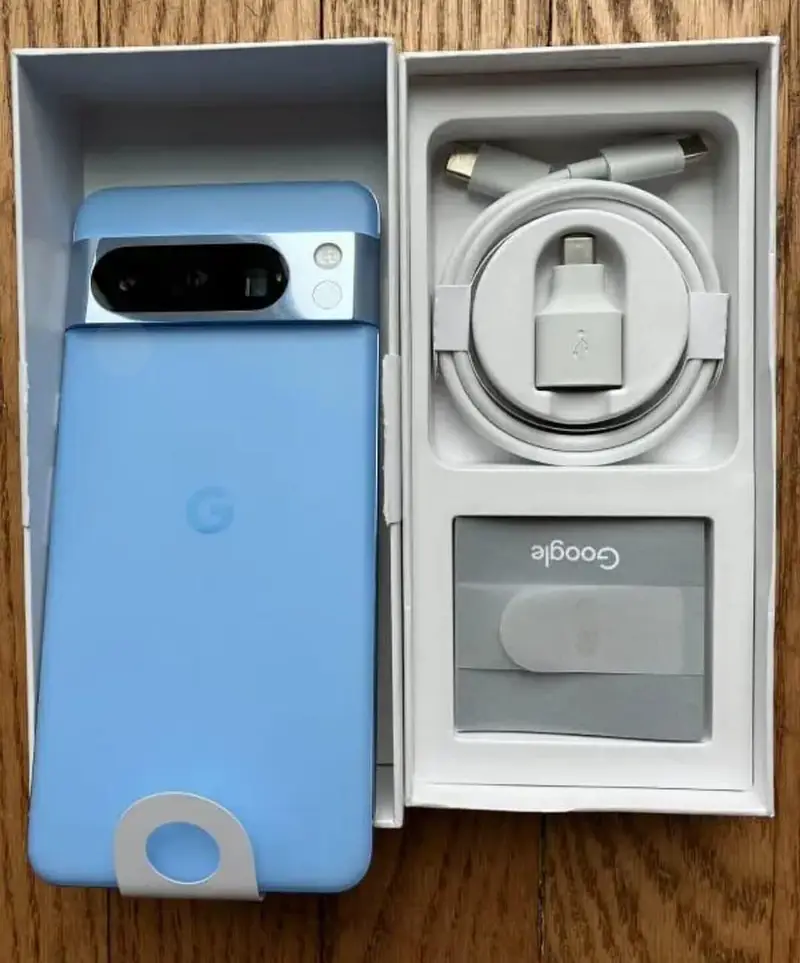
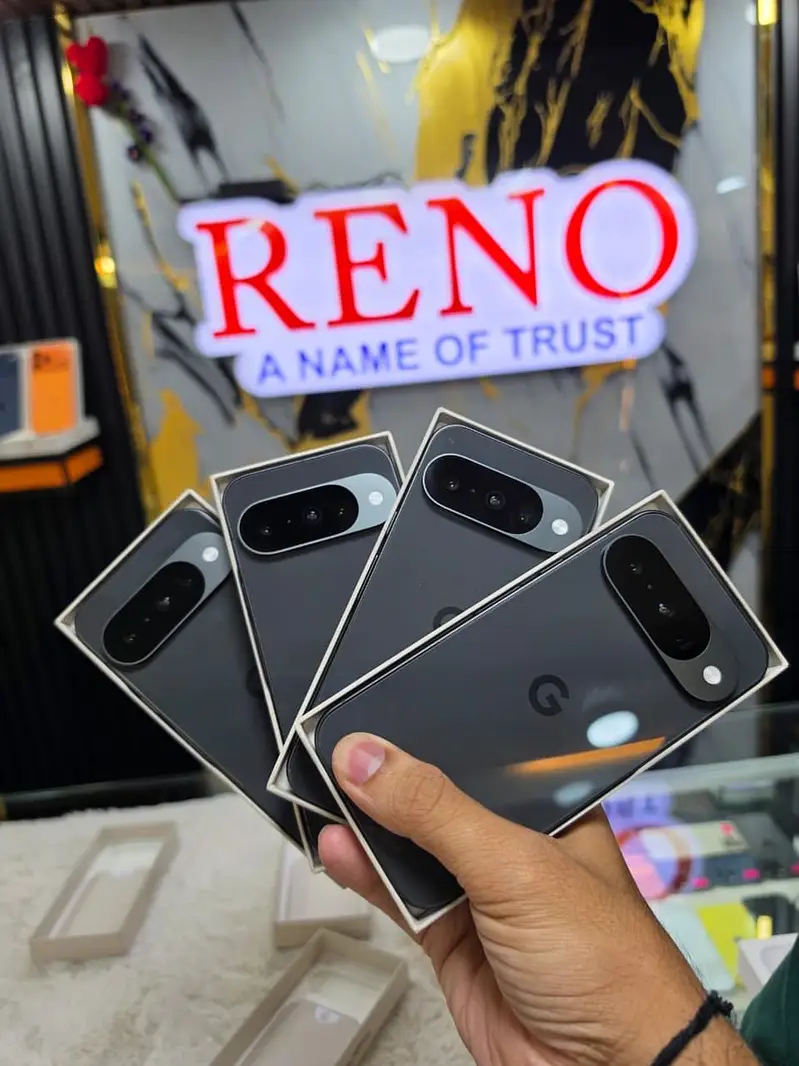
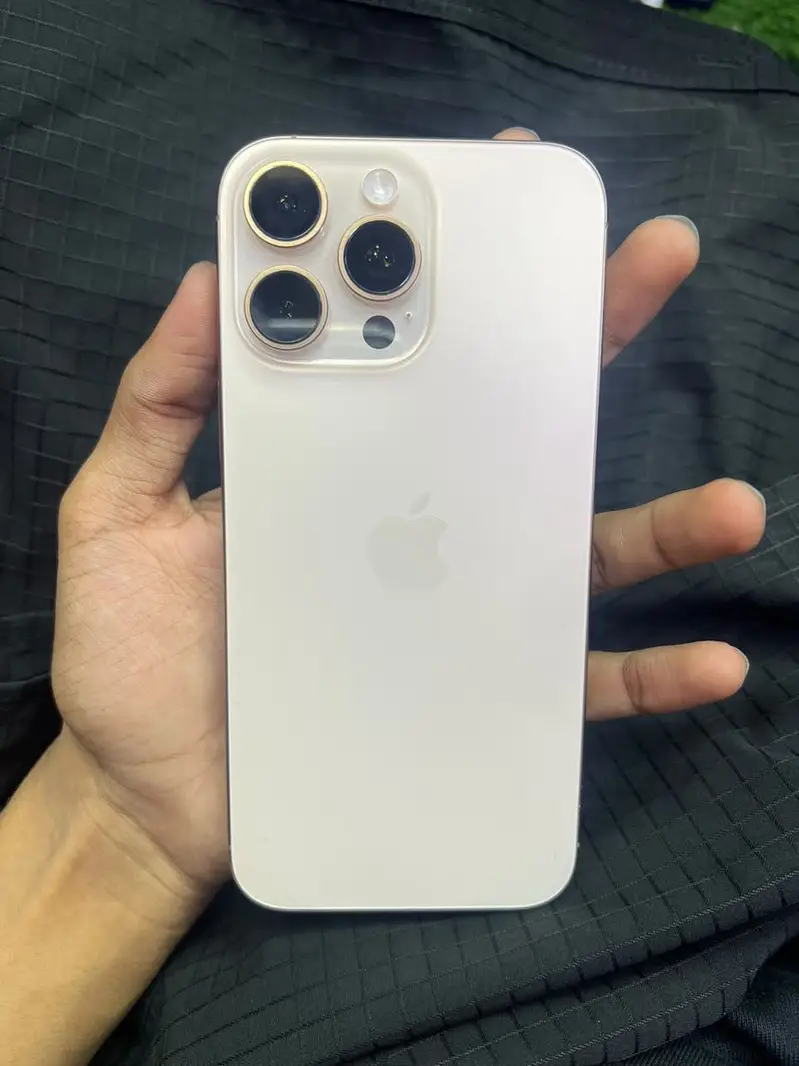
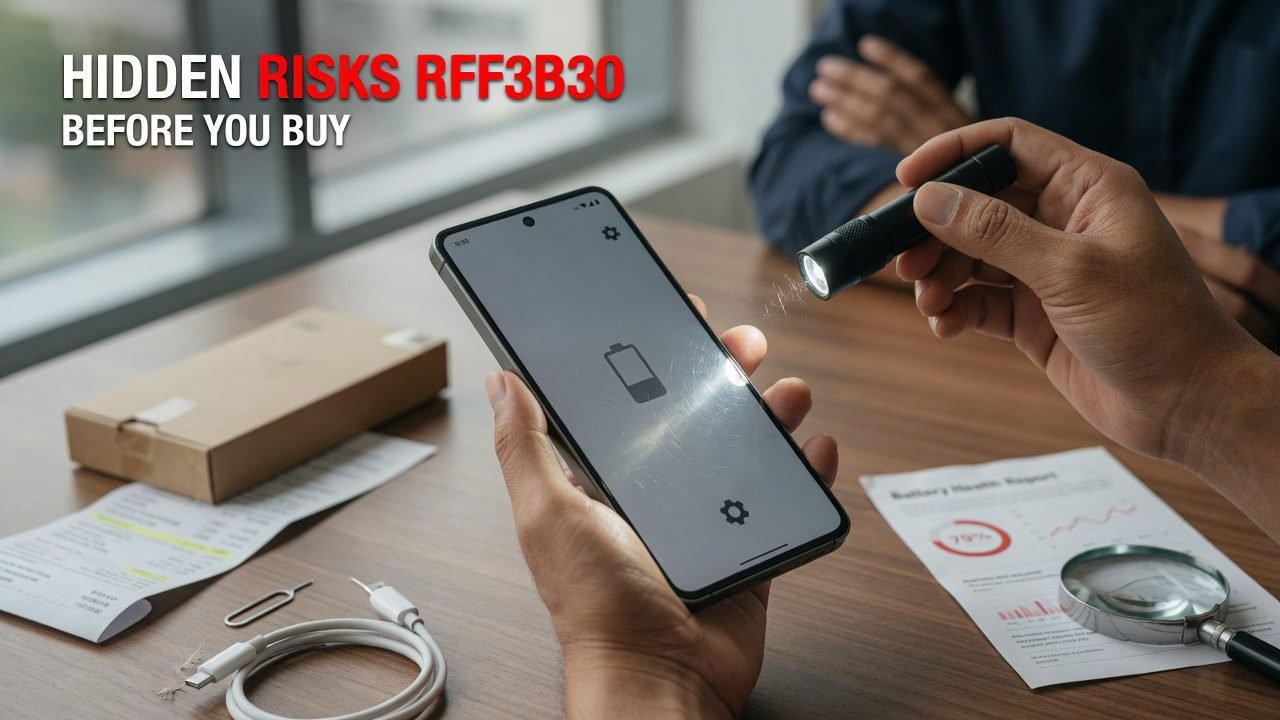
Two months after a clean, pleasant, entirely normal transaction, a buyer’s iPhone 13 stopped connecting to any network. No warning. Wi-Fi worked fine. Calls didn’t.
The phone hadn’t been stolen. It had been financed. The original owner sold it, kept the monthly payments running for a while, then stopped — and the carrier blacklisted the IMEI. Everything about the sale had looked right at the time, because at the time everything was right.
That’s the shape of iPhone risk. It’s rarely a cracked screen you missed. It’s usually paperwork you couldn’t see.
Buying a used iPhone is safe, and it’s one of the better value purchases in consumer tech, provided you run about six minutes of checks before money moves.
iPhones hold value well, get long software support, and carry more built-in verification than any Android phone — the operating system will tell you whether the display is genuine, whether the battery is genuine, and whether the device is under someone else’s management, if you know which screens to open.
What makes people lose money isn’t the phone. It’s paying first and looking second.
Find My ties an iPhone to its owner’s Apple Account. If the seller doesn’t sign out and erase properly, the phone boots into a screen demanding their credentials, and there is nothing you or Apple can do about it. Apple’s Activation Lock documentation is unambiguous on this: the account holder has to remove the device.
Apple retired its public Activation Lock status checker years ago, so you cannot verify this from the outside. That absence is exactly why three separate scams live here.
The “I’ll erase it later” sale. Seller hands over a working, signed-in phone and promises to remove it from their account that evening. Sometimes they do. Sometimes the phone locks on Tuesday.
The “keep my Apple ID, the apps are paid for” offer. Presented as generosity. What it means is the seller keeps the ability to lock, locate, and erase your phone remotely for as long as you own it. There is no version of this that’s fine.
The parts phone sold as a working phone. Activation-locked units get resold constantly at prices that look like bargains. They power on, they show a nice screen, and they will never complete setup.
The fix: watch the seller sign out of their Apple Account and erase the device, then set it up to the home screen on your own account, with your SIM in it, before you pay. That single sequence eliminates all three.
This is the one from the opening, and it’s the risk most guides underweight because it doesn’t show up during inspection.
An IMEI can be blacklisted for theft, for a fraud report, or for unpaid instalments on a carrier financing plan. The first two are usually already flagged when you check. The third is a fuse — the phone is clean today because the payments are current today.
Two things reduce the exposure. Run the IMEI through a blacklist database before you buy; in the US the CTIA operates Stolen Phone Checker, and most regions have a carrier-run equivalent. Then ask directly whether the phone was bought outright or on a plan, and if it was financed, ask to see that it’s paid off. A seller with a clear conscience produces a screenshot. A seller who gets defensive about a routine question has answered it.
Our walkthrough on checking an IMEI properly covers how to read the results.
Settings > General > About, scrolled to the bottom, shows Parts and Service History on the iPhone XR and XS generation onward. It lists which components have been replaced and flags anything that isn’t a genuine part fitted with proper calibration.
That screen exists because the consequences are real:
None of this makes a phone unbuyable. It makes it worth less, and it makes resale harder in two years when you’re the one writing the listing. What you’re avoiding is paying a genuine-parts price for an aftermarket phone. We compare that against the alternatives in our breakdown of used, refurbished, and open-box options.
Rarely discussed, genuinely nasty.
Company-issued iPhones are usually enrolled in mobile device management. A supervised device can be remotely configured, restricted, tracked, and wiped by the organisation that enrolled it — and enrollment survives a factory reset, because it’s tied to the device record rather than to the software on it.
The tell is quick. Open Settings and look at the very top: a supervised phone displays a line stating that the iPhone is supervised and managed by an organisation. Then check Settings > General > VPN & Device Management for any installed configuration or management profile.
If either shows something, the only real fix is the original organisation releasing the device from their enrollment. A seller who “doesn’t know anything about that” cannot help you, and neither can Apple.
Less common at the mid and high end, and still worth thirty seconds.
Convincing fakes are usually Android devices skinned to look like iOS. The fastest way through it: take the serial number from Settings > General > About and run it through Apple’s coverage lookup. A real serial resolves to a real model with a real purchase date. A fake either fails outright or resolves to a model that doesn’t match the phone in your hand.
Secondary checks that expose most clones: open the App Store and try to download something, ask Siri a question, and take a screenshot to see whether the markup tools behave the way iOS does. The interface skins are usually shallow. Anything past the home screen falls apart.
Not a scam, just a slow way to waste money.
Apple doesn’t publish a formal support window, but iPhones have historically kept receiving major iOS releases for roughly five to six years — the iPhone XR and XS generation, for instance, went as far as iOS 18 before dropping off. Once a model stops receiving updates, it stops receiving security patches, and eventually apps start requiring an iOS version it can’t run.
So take the launch year, add about five, and see what’s left. A two-year-old iPhone at a fair price is a very different purchase from a six-year-old one at a slightly better price.
Six minutes, all of it free.
| Step | Where | What you want to see |
|---|---|---|
| 1. Serial and warranty | Settings > General > About → Apple coverage lookup | Resolves to the right model; note remaining coverage |
| 2. IMEI match | *#06#, Settings, SIM tray etching | All three identical |
| 3. Blacklist status | Carrier or CTIA lookup | Clean, plus a straight answer on financing |
| 4. Carrier Lock | Settings > General > About > Carrier Lock | No SIM restrictions |
| 5. Management status | Top of Settings; General > VPN & Device Management | No supervision banner, no profiles |
| 6. Parts history | Settings > General > About, bottom | Genuine parts, or a disclosed repair |
| 7. Battery | Settings > Battery > Battery Health & Charging | A believable number with a believable story |
| 8. Face ID | Enroll your own face | Completes without error |
| 9. Display | White, then black, then grey at full brightness | No ghosting, no dead pixels, True Tone present |
| 10. Handover | Seller signs out, erases; you complete setup | Home screen, your account, your SIM |
Two notes on that list.
The liquid contact indicator lives inside the SIM tray, which is a check you simply don’t have on US models of the iPhone 14 generation and later — those ship eSIM-only, with no tray at all. On those units you’re relying on the parts history and physical inspection instead. That same absence of a tray is worth knowing about for its own sake, since not every network issues eSIM profiles for every model.
And Face ID deserves its own enrollment rather than a demonstration. Watching the seller’s face open the phone tells you their face is enrolled, not that the hardware works.
Faults are negotiable. These are not.
Honest sellers over-share. That’s the pattern, and it’s held up across a lot of transactions.
Worth knowing in advance, because it shapes how much verification is worth doing up front.
If the phone locks to an Apple Account, Apple cannot release it for you. The account holder must remove it. Your only route is the seller.
If the IMEI is blacklisted, the carrier who flagged it decides, and they’ll speak to the account holder rather than to you. Again: the seller.
If the device is MDM-enrolled, the enrolling organisation decides.
In all three cases the resolution runs back through the person you bought from, which is why a private sale with no contact trail is a weaker position than it feels like at the time. Keep the listing, the messages, and the payment record. Buying from a registered business rather than a private individual also brings statutory rights that private sales don’t carry, which is part of what you’re paying for at a dealer.
Is it safe to buy a used iPhone from a private seller?
Yes, if you complete the setup on your own account at the meetup and verify the IMEI and management status first. The transactions that go badly almost always share one detail: the buyer paid before the phone was fully in their control.
Can a seller lock my iPhone after I’ve bought it?
Only if they still have a connection to it — their Apple Account still linked, or an MDM enrollment still active. Once you’ve erased the device, set it up on your own Apple Account, and confirmed no management profile is installed, they can’t reach it.
How can I tell if a used iPhone is stolen?
Run the IMEI through a blacklist database and confirm the phone isn’t Activation Locked by completing setup yourself. Neither check alone is conclusive, but together they cover most cases. Add a straight question about whether it was bought outright, since financed phones can be blacklisted later even when they’re clean today.
Does AppleCare+ transfer to me when I buy a used iPhone?
Coverage generally follows the device rather than the original buyer, so remaining AppleCare+ typically carries over. Confirm it on the coverage lookup with the serial number rather than taking the seller’s word, since the answer varies by plan type and region.
What’s the minimum I should check if I’m short on time?
Serial through the coverage lookup, parts history, management status, and full setup on your own account. Those four rule out the risks that can’t be fixed afterwards. Everything else is condition, and condition is negotiable.
Does ExploreFrag verify the iPhones listed on it?
ExploreFrag connects buyers and sellers directly, so listings come from the individuals selling them. Run this sequence yourself on every purchase.
Before your next viewing, put four screens on your phone’s notes app: coverage lookup, blacklist checker, the Settings path for parts history, and the one for device management. Having them ready is the difference between running the checks and meaning to.
When you’re ready to compare what’s actually available, browse the iPhones currently listed on ExploreFrag, and take our fifteen-point inspection list with you to the meetup.
Emran Ahmed is the founder and CEO of ExploreFrag, a marketplace for buying and selling used phones and accessories across every brand. The financed-phone story that opens this article came out of ExploreFrag’s support inbox, and it’s the reason he now asks every iPhone seller he deals with whether the device was bought outright. He reviews listings most days and has yet to meet a genuine seller who objected to erasing a phone in front of a buyer.


